Wanderland XR
A downloadable Wanderland for Windows
GRAB YOUR WAND, LET'S GO!
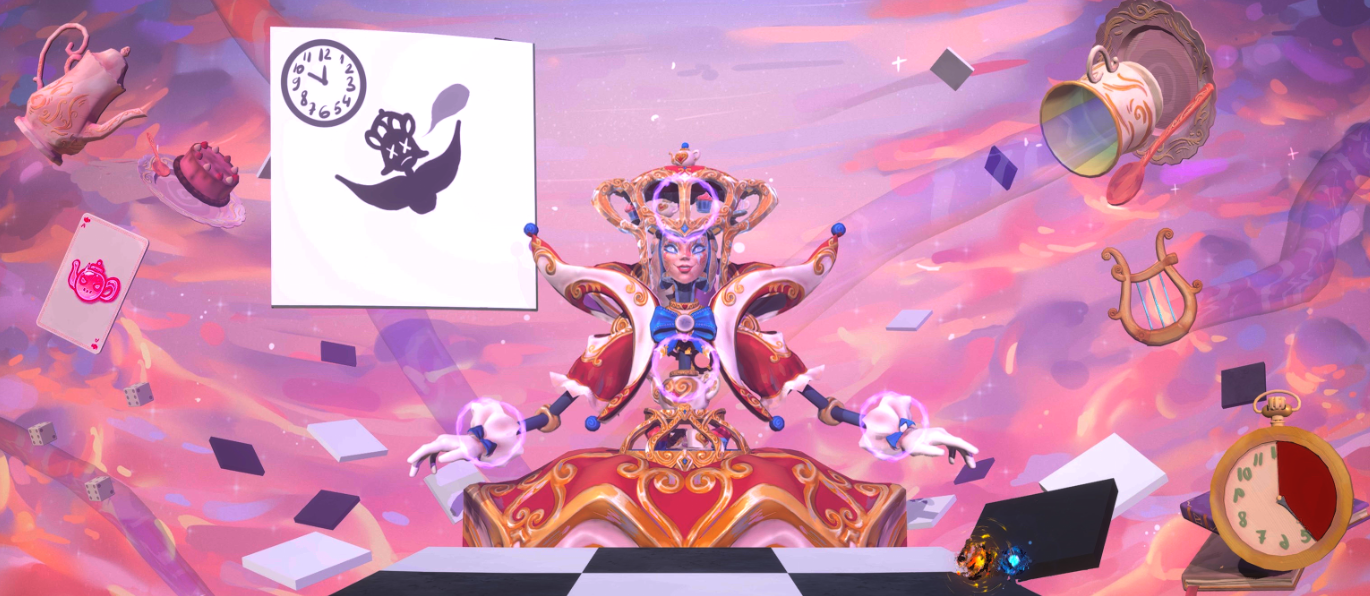
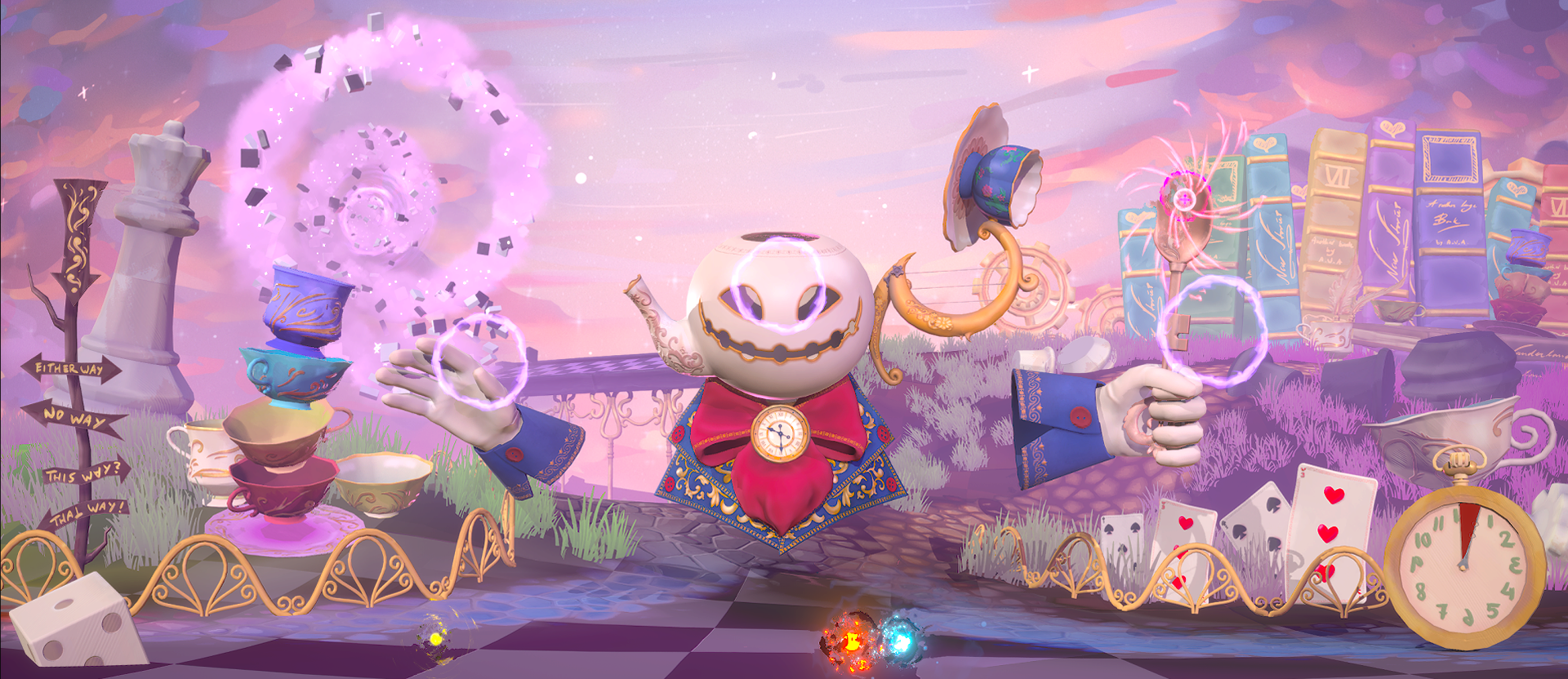
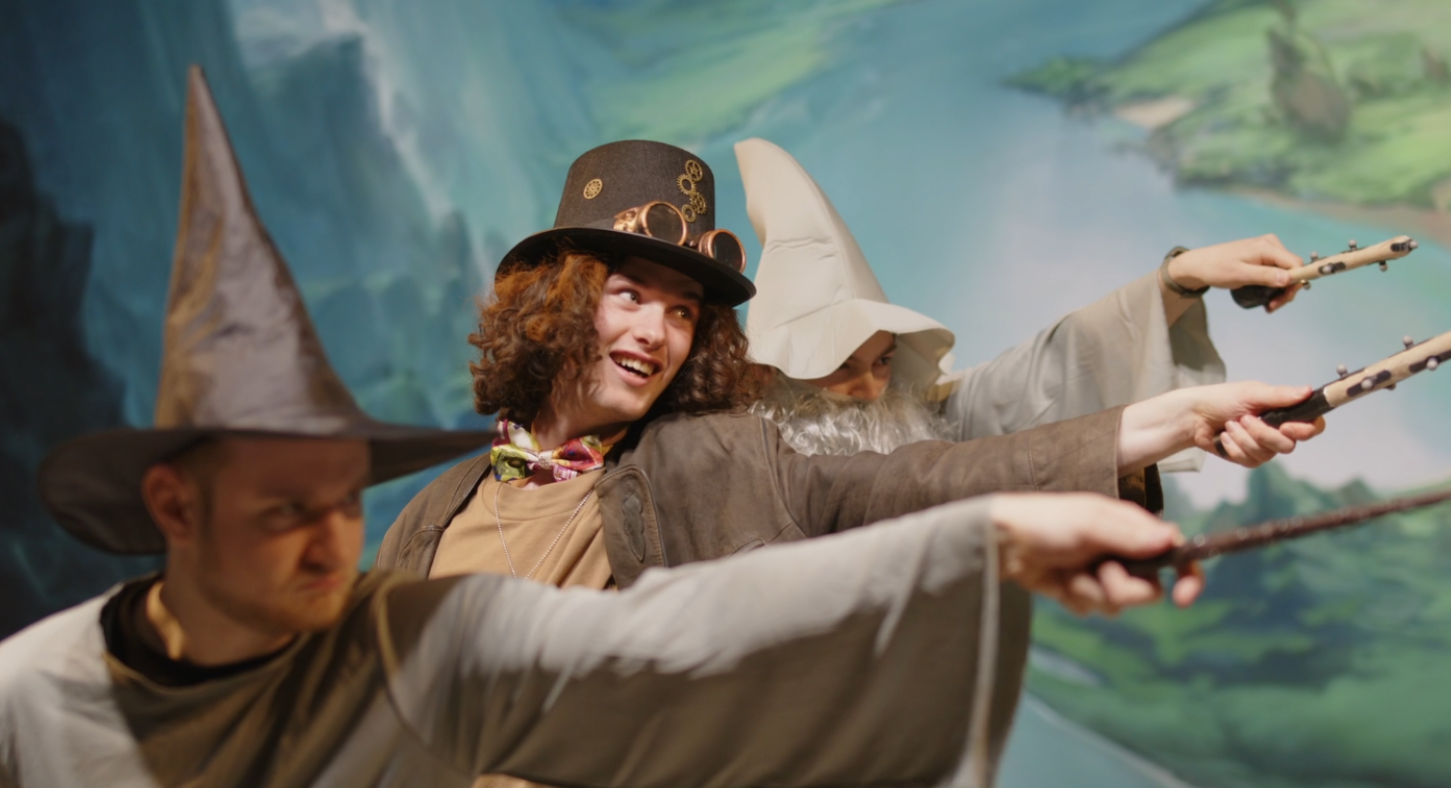
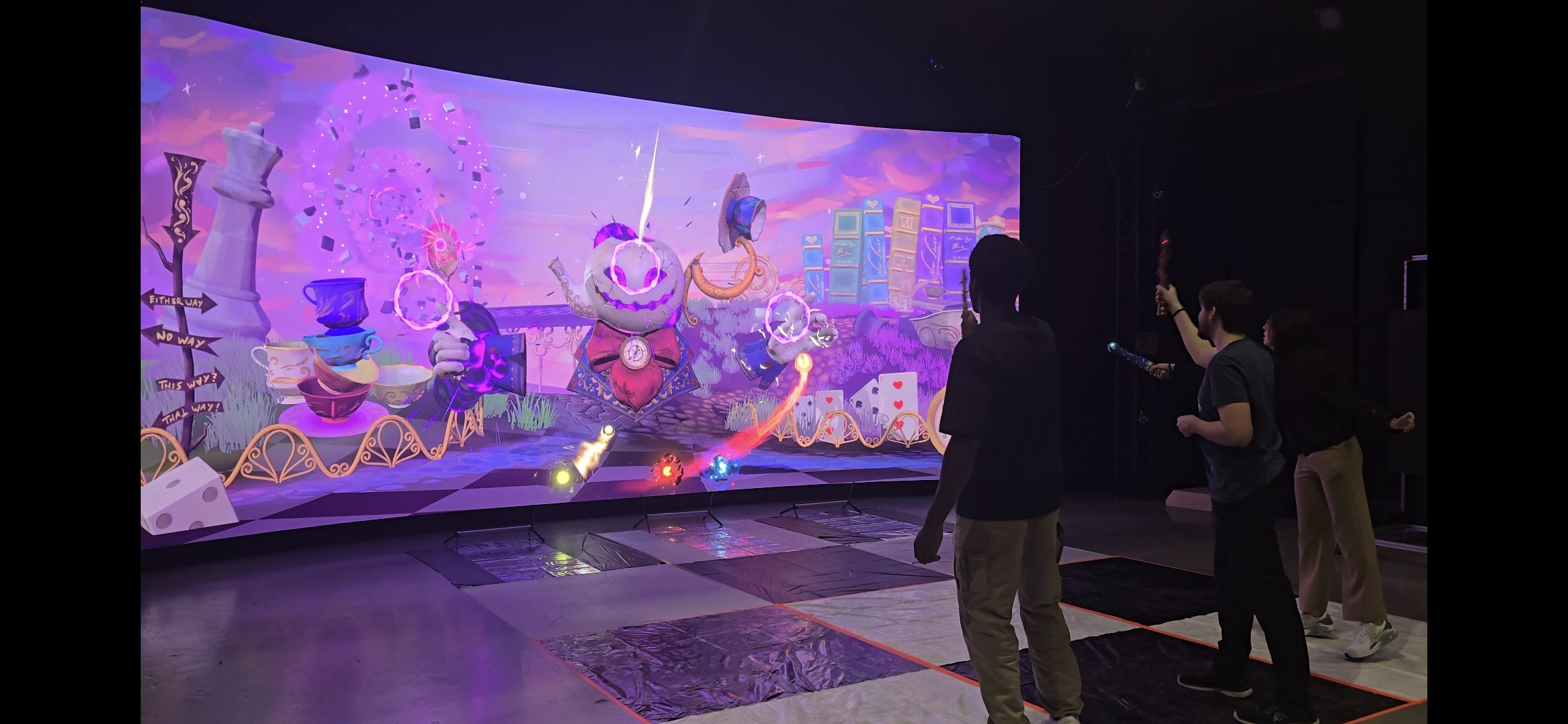
Wanderland is a real-life magical experience where you become a wizard. Cast elemental magic, bend reality and join your fellow mages to battle colossal, magical bosses in a chaotic world on the edge of collapse. Team up, take aim and become the Wizard hero that Wanderland needs!
DISCLAIMER: THIS GAME IS ONLY PLAYABLE IF YOU OWN AN XR STAGE!
How to play:
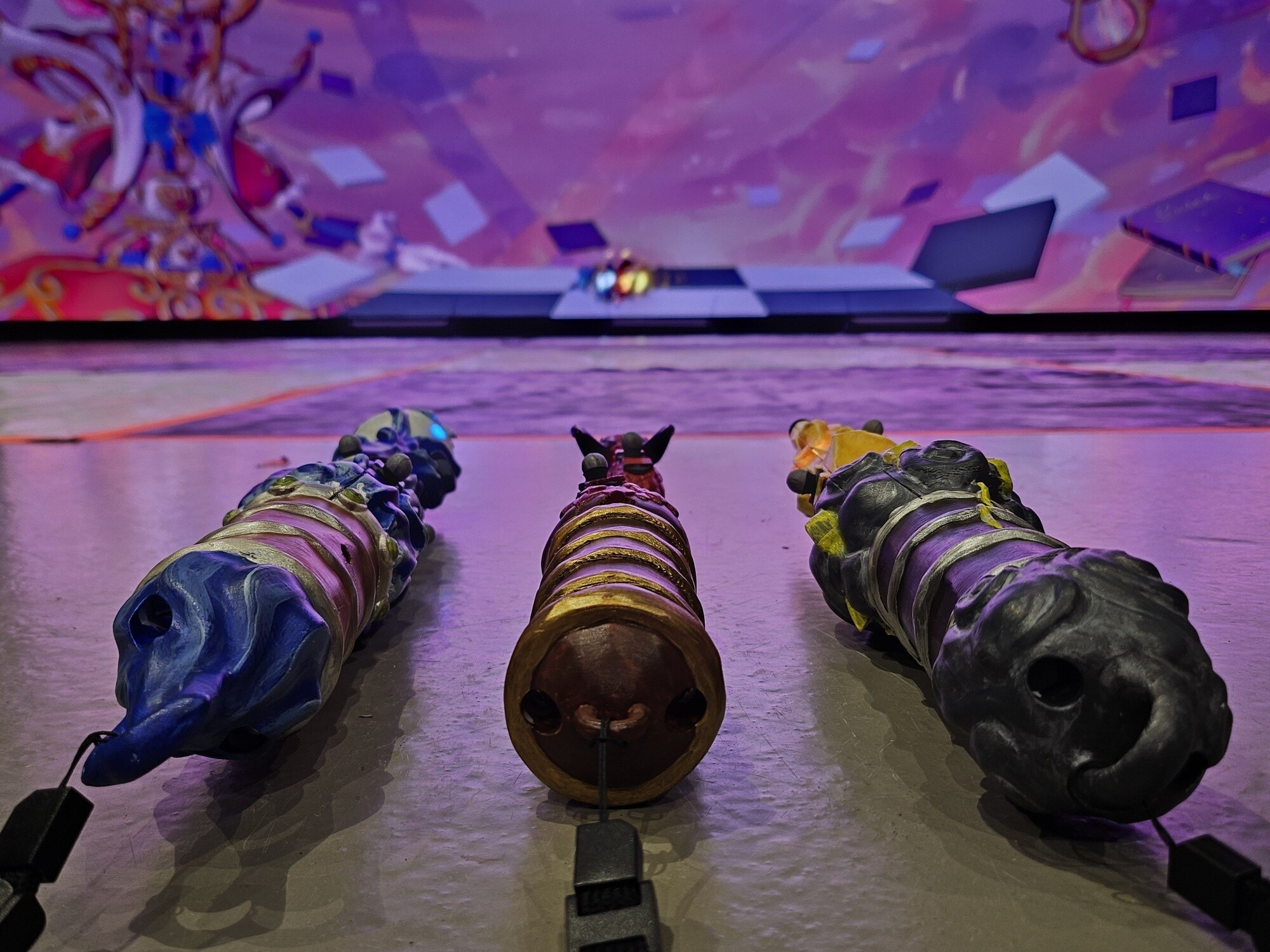
The game requires 3 players to play. Each player will have to select 1 of 3 wands, each with their own model and element. There is fire, water and electric wands to choose from. Once every player has a wand in hand, the game can begin! First, the Queen will give you a small introduction by letting you fight her training dummies. Every player will have to shoot the dummies to show that you are ready for learning how to dodge before beating the Queen and showing you are ready for the real thing! Once the you passed the Queen, the real boss fight will start!
REAL ELEMENTAL WANDS!
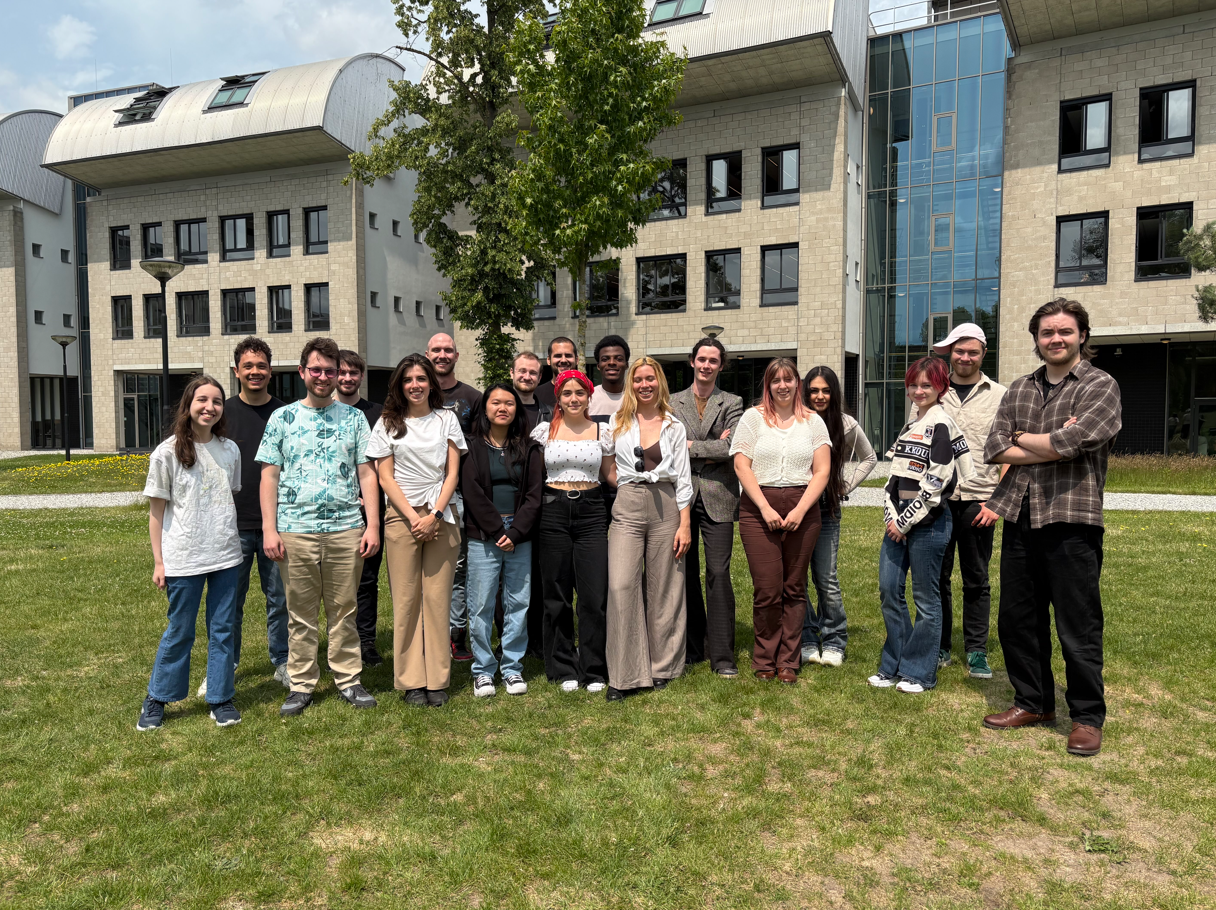
MEET THE TEAM!
DESIGN & PRODUCTION
| Lisa van der Gevel Wenteler | Producer |
| Colijn Leendertse | Design lead, 3Cs design |
| Pepijn van der Ham | UI/UX design, Technical design |
| James Scholte | Technical design |
| Larisa Sirbu | Technical, Tool design |
| XingHuan Nie (Yuuki) | Level design, Narrative design |
PROGRAMMING
| Justin Comans | Programming lead, Gameplay & Plugin programming |
| Evan Lohento | Gameplay & Animation programming |
| Robin Heijmans | Gameplay & AI programming |
ART
| Simeon Boychev | Art lead, VFX & Technical art |
| Nori David | Technical art, VFX art |
| Patricia Naidin | Rigging, VFX art |
| Isabelle van Tol Heraud | Character art |
| Marwa Omar | Character art |
| Jacco Nooten | Character & real-life prop art |
| Natalia Volobuieva | Environment art |
| Nikolay de Rooij | Environment art |
| Manon van der Poel | Animation |
AUDIO
| Colijn Leendertse | Sound design |
| Anoushka Elisa Marien Garcia | Music producer |
| Patricia Naidin | Sound sampling |
| Lisa van der Gevel Wenteler | Violinist |
| Larisa Sirbu | Voice acting |
Download
Install instructions
Launch Instructions (at an XR Stage)
- Download the game by clicking the 'download' button.
- Download the Vicon shogun program online by going to https://www.vicon.com/downloads/
- Attach the trackers to the object you want to use as a wand and make sure the origin of the object is on the end of the object (the side that you swing).
- Create 3 different objects and save them.
- Launch the project, select the magic wands. Select the wandcontroller component and under live link add the objects you made to the subject representation value.
- Save the wand and that is it, you are now able to stream the game to your XR screen.
Development log
- V0.1Jun 26, 2025
- V0.2Jun 26, 2025
- V0.3Jun 26, 2025
- V0.4Jun 26, 2025
- Full Release V1.0 is here!Jun 26, 2025
Comments
Log in with itch.io to leave a comment.
This game is really amazing guys! Good job!
I agree.